

Admin dashboard
What it is
The admin dashboard is a web interface for the person who runs the relay. It
is served at /admin on the relay's domain and runs as its own process (a
Nuxt server-rendered app), next to the relay rather than inside it.
The dashboard holds no relay state of its own. Everything it shows comes from the relay, and every change it makes goes through the relay's own APIs.
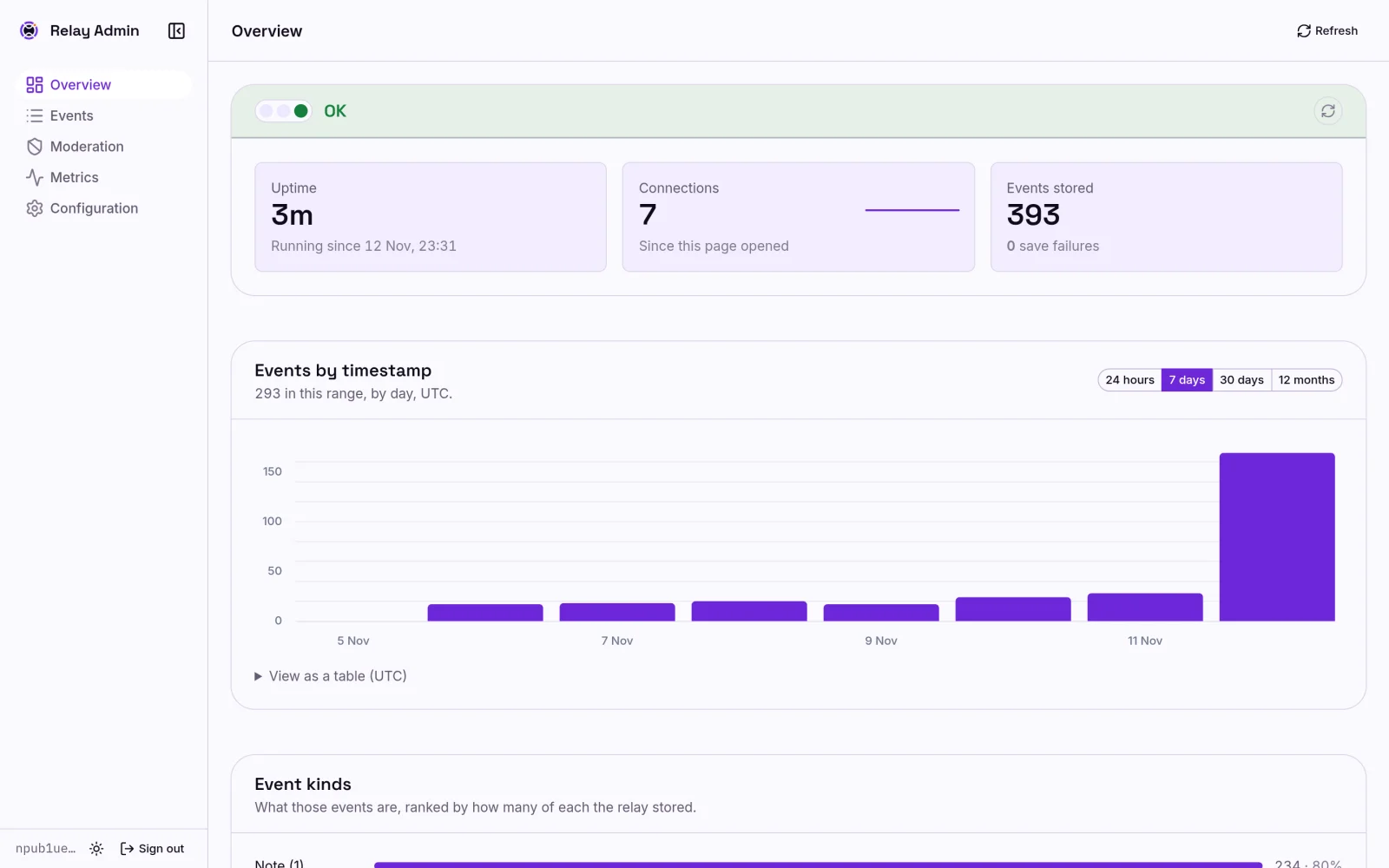
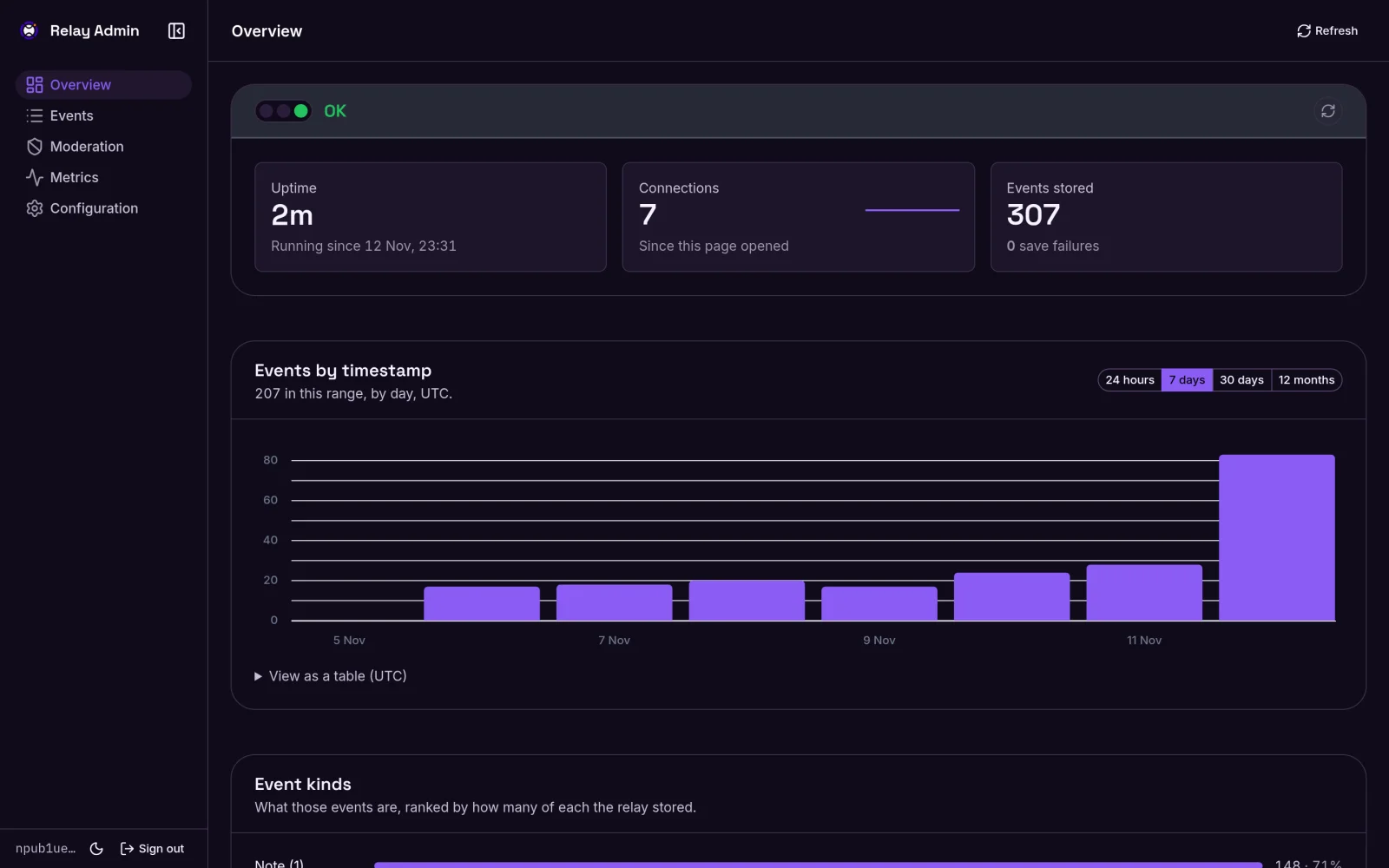
Pages
| Page | Path | What it shows |
|---|---|---|
| Relay information | /admin | The relay's public NIP-11 information. Public; no sign-in needed. |
| Overview | /admin/dashboard | What the relay is doing: identity, a metrics summary, and stored events by period and by kind. |
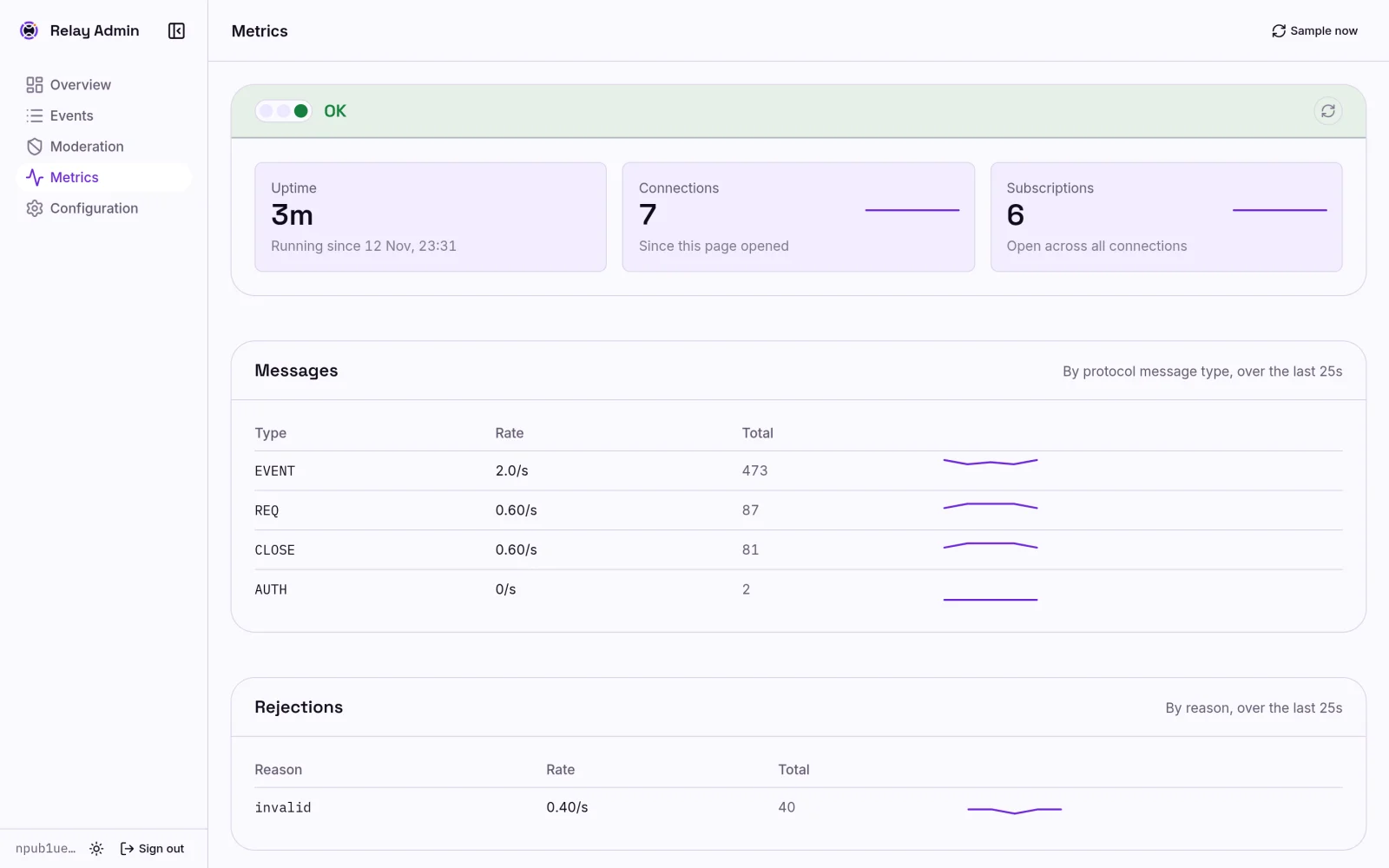
| Metrics | /admin/dashboard/metrics | Live connections, message and rejection rates, subscriptions, query latency, and storage. |
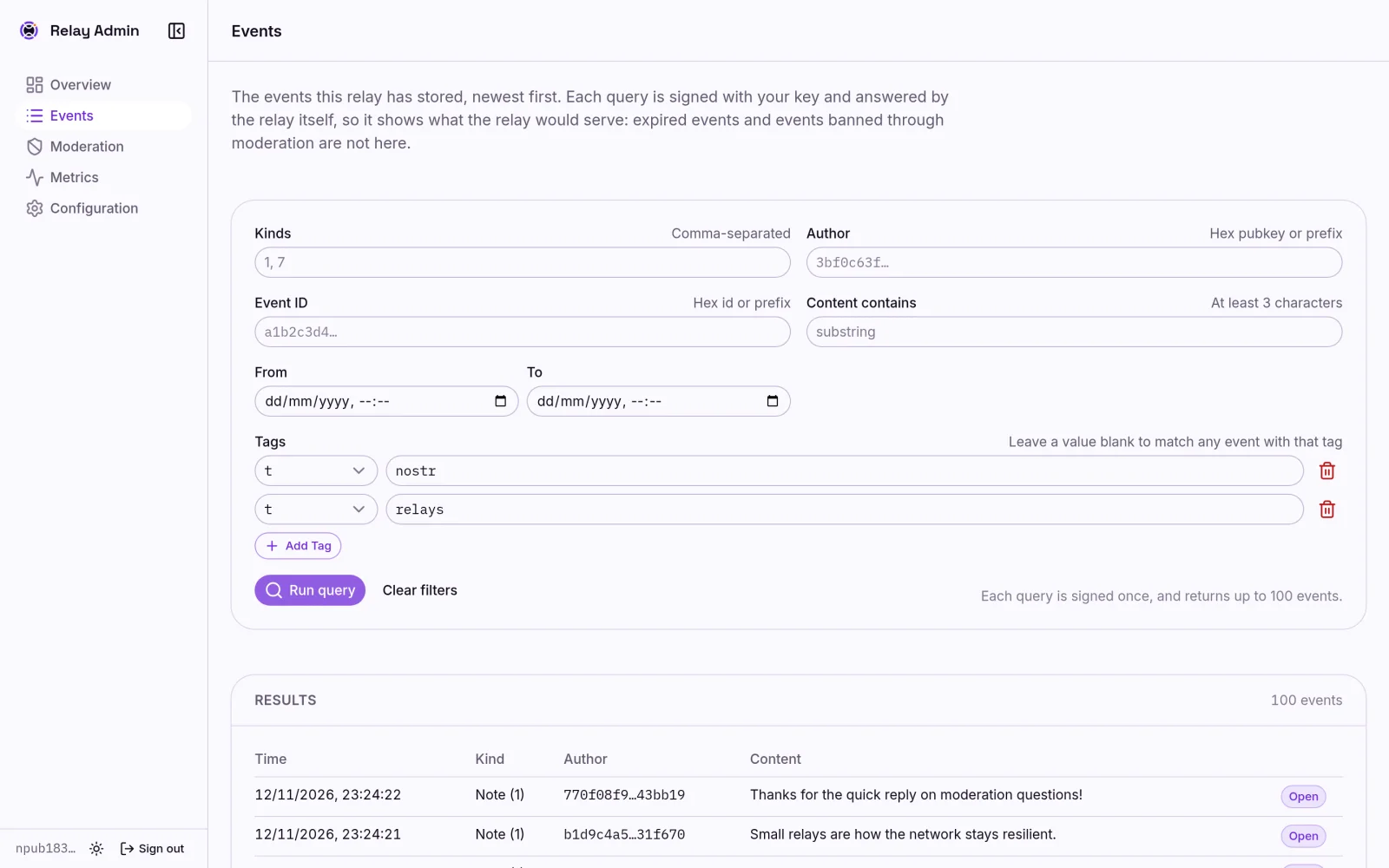
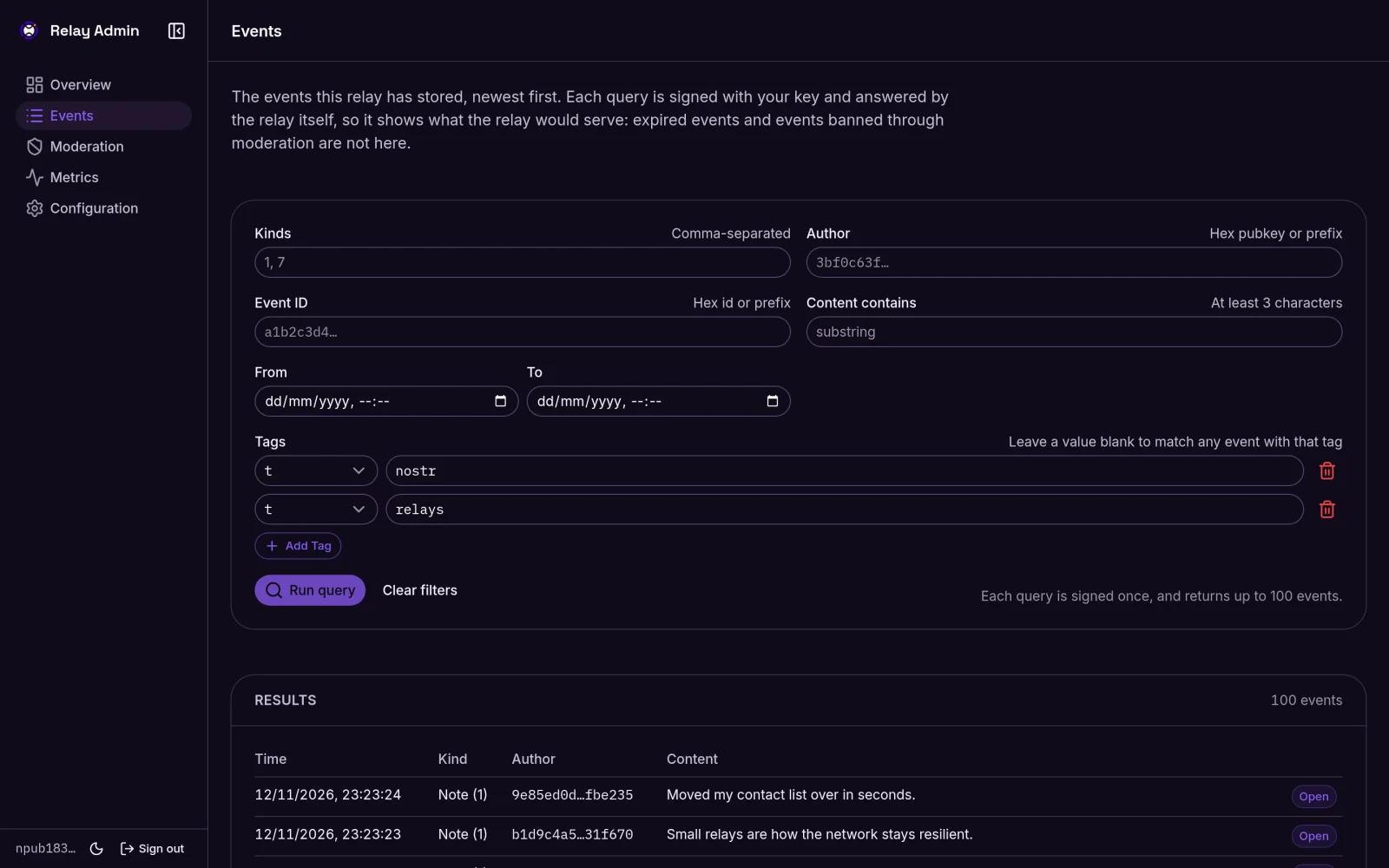
| Events | /admin/dashboard/events | A browser for stored events, with filters and a detail view. See the event browser. |
| Moderation | /admin/dashboard/moderation | Banned pubkeys, banned events, and blocked IPs, with actions to change them. |
| Configuration | /admin/dashboard/configuration | The configuration the running relay is actually enforcing. Owner only. |
Signing in
Sign-in uses your Nostr key, not a password. The relay's owner and its administrators can sign in. Choose Sign in in the header and approve with a browser extension (NIP-07) or a remote signer (NIP-46 bunker).
Your signer asks you to approve twice, by design:
- A one-time NIP-98 challenge for the dashboard, which proves who you are.
- A NIP-86
whoamifor the relay, which asks the relay what role your key holds.
The dashboard opens an 8-hour session only if the relay answers owner or
admin for the same key that signed the challenge. The dashboard keeps no
list of administrators; the relay decides who may sign in. A key with no role
gets the same generic refusal as any stranger. If the relay rejects the
whoami itself, for example because your clock is out of step, the sign-in
dialog shows the relay's reason.
Administrators see every page except Configuration, which is owner only. The sidebar shows your role next to your npub.
The session only proves who signed in; it is not a credential the relay accepts. Every privileged relay operation still needs its own NIP-98 signature from your signer, which the relay checks against the owner and its administrators. A stolen session cookie gives dashboard access, never the ability to change relay state.
Sign-in attempts are rate-limited per client address.
When a session ends
- Signing out clears the session and any stored bunker pairing. A copy of the cookie, or a request still in flight, can't bring it back.
- Signing in again in the same browser ends the previous session.
- Restarting the dashboard ends every session, so operators sign in again.
- Revoking an administrator ends their dashboard access. The relay refuses
their next signed request, and the dashboard then signs them out. Metrics
is the one view the relay doesn't authorize itself, so after 15 minutes
without a confirmed role it asks the signer for one more
whoami. A revoked key is signed out there. A key loses access to metrics no more than 15 minutes after it is revoked, and loses everything else straight away. If you decline the prompt, Metrics pauses until you refresh it.
Why actions ask your signer
The event browser, moderation, and configuration pages call operator APIs that require a fresh signature for each request. Expect a signer approval for each query or action. That is why the event browser runs on an explicit Run query action and pages 100 events at a time, rather than querying as you type. If your signer isn't available, the page says so rather than showing an empty list.
The event detail view verifies each event's signature in your browser, over the event exactly as the relay returned it.
Reading the metrics page
The metrics page is the one view that needs no signature. The dashboard's server reads the relay's internal metrics listener, which is not published outside the deployment.
- There is no metrics store. Rates are calculated from samples the page takes while it is open. For history, point Prometheus at the same endpoint.
- Sampling pauses while the tab is hidden. The status card then reads Paused and its refresh icon stops turning. Hover over or focus the icon for the age of the last sample.
- Counters reset when the relay restarts. The page shows
restartedinstead of a misleading rate.
Theme
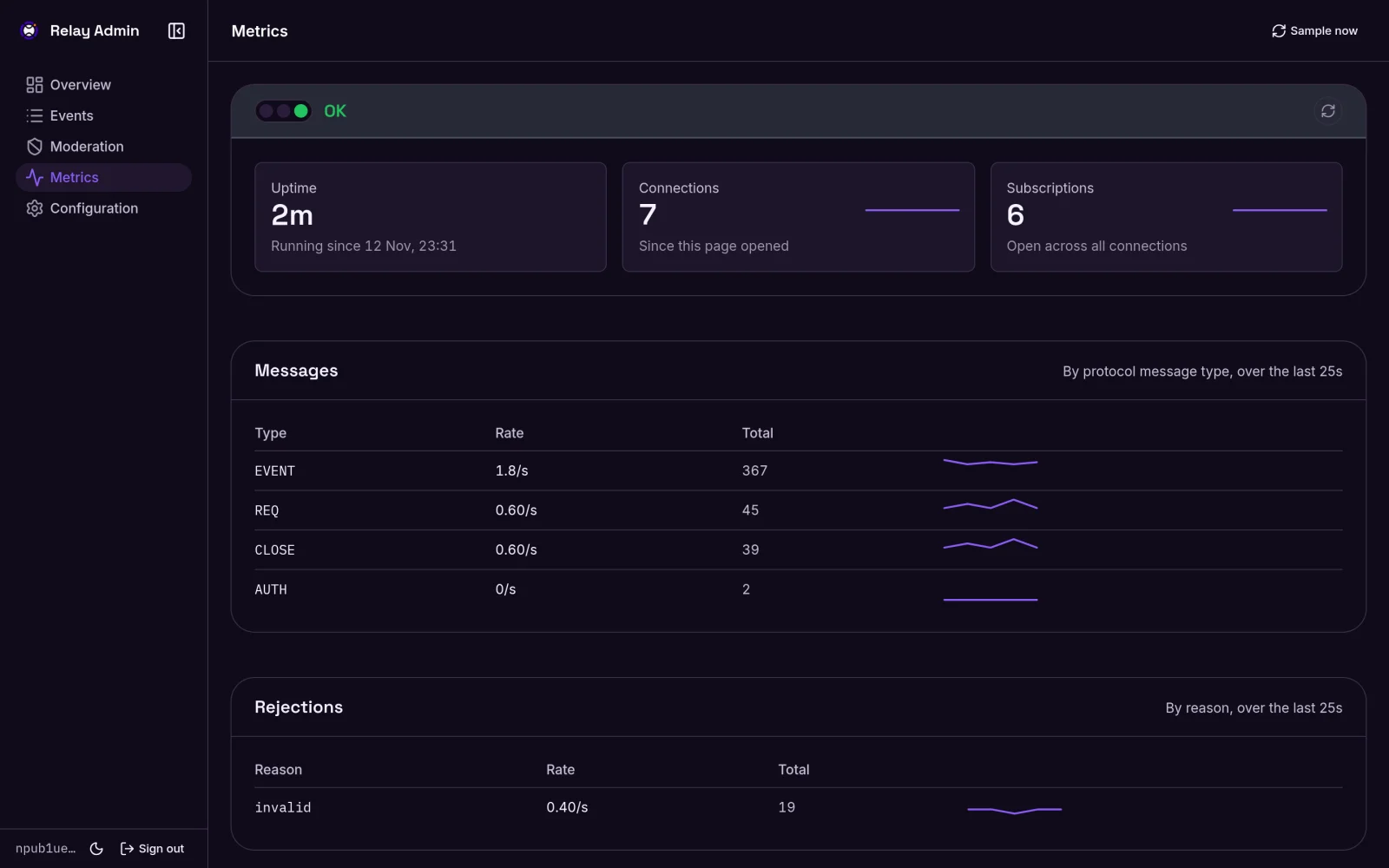
The dashboard follows your operating system's light or dark preference. The sun/moon button pins a choice, stored in that browser only.
Configuring it
The dashboard service needs NUXT_SESSION_PASSWORD, a secret of at least 32
characters that seals the session cookie. It refuses to open sessions without
one. Generate one per deployment, for example with openssl rand -base64 48.
Who may sign in comes from the relay: the owner is moderation.admin_pubkey
in the relay's config.yaml, and administrators are granted through the
relay. Since 0.3.0 the dashboard no longer reads NUXT_ADMIN_PUBKEY. If it is
still set, the dashboard logs one warning at startup and ignores it.
The relay refuses every operator request, including sign-in, unless it knows
its own public origin. Set auth.relay_url (or moderation.api_origin) on the
relay. See moderation.
NUXT_RELAY_API_BASE and NUXT_RELAY_METRICS_BASE tell the dashboard where
the relay and its metrics listener are. The shipped docker-compose.yml
already sets them. See the source repository's README.md for details.
Previous
Current limitationsNext
Backup and retention