Event browser
What it is
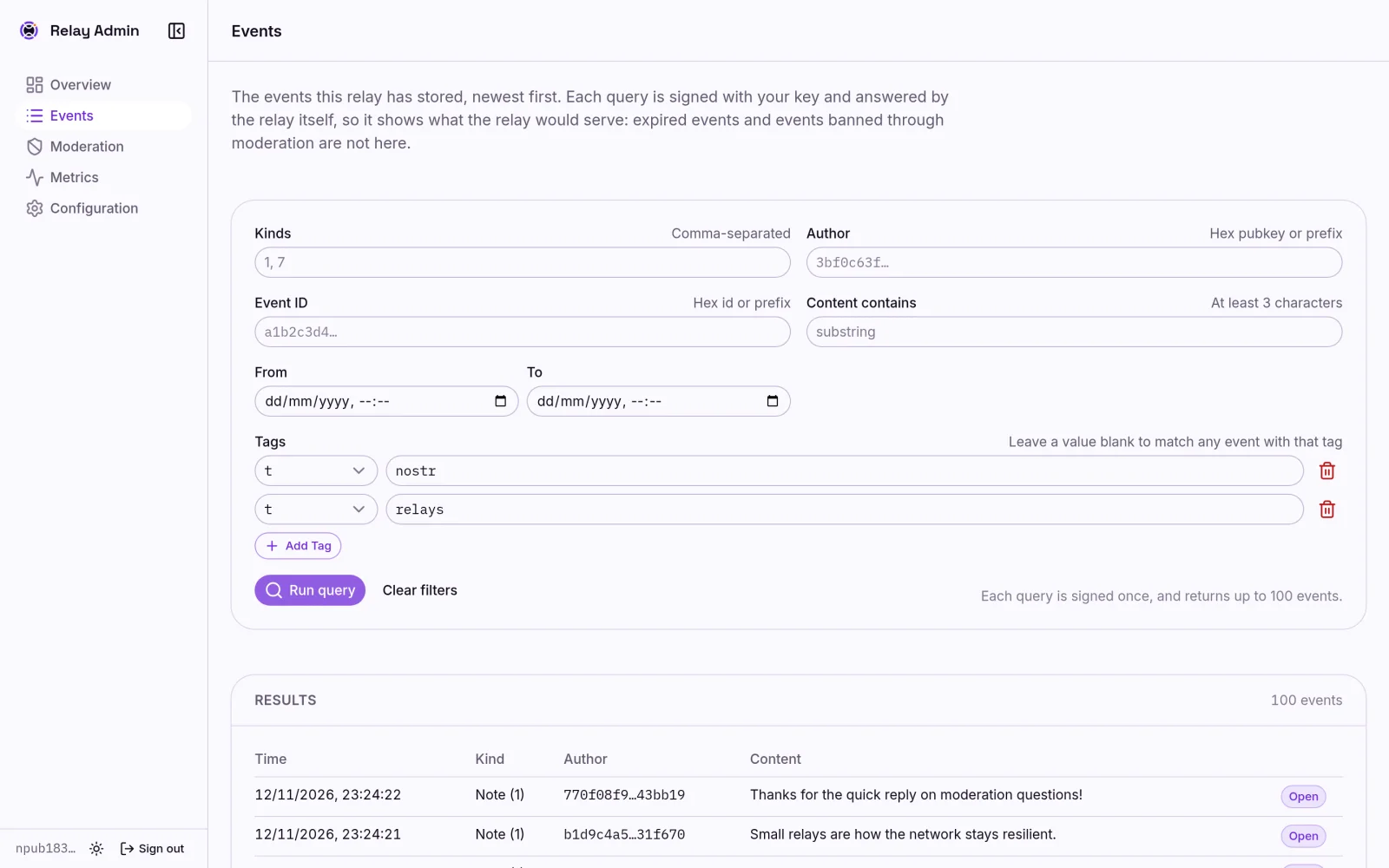
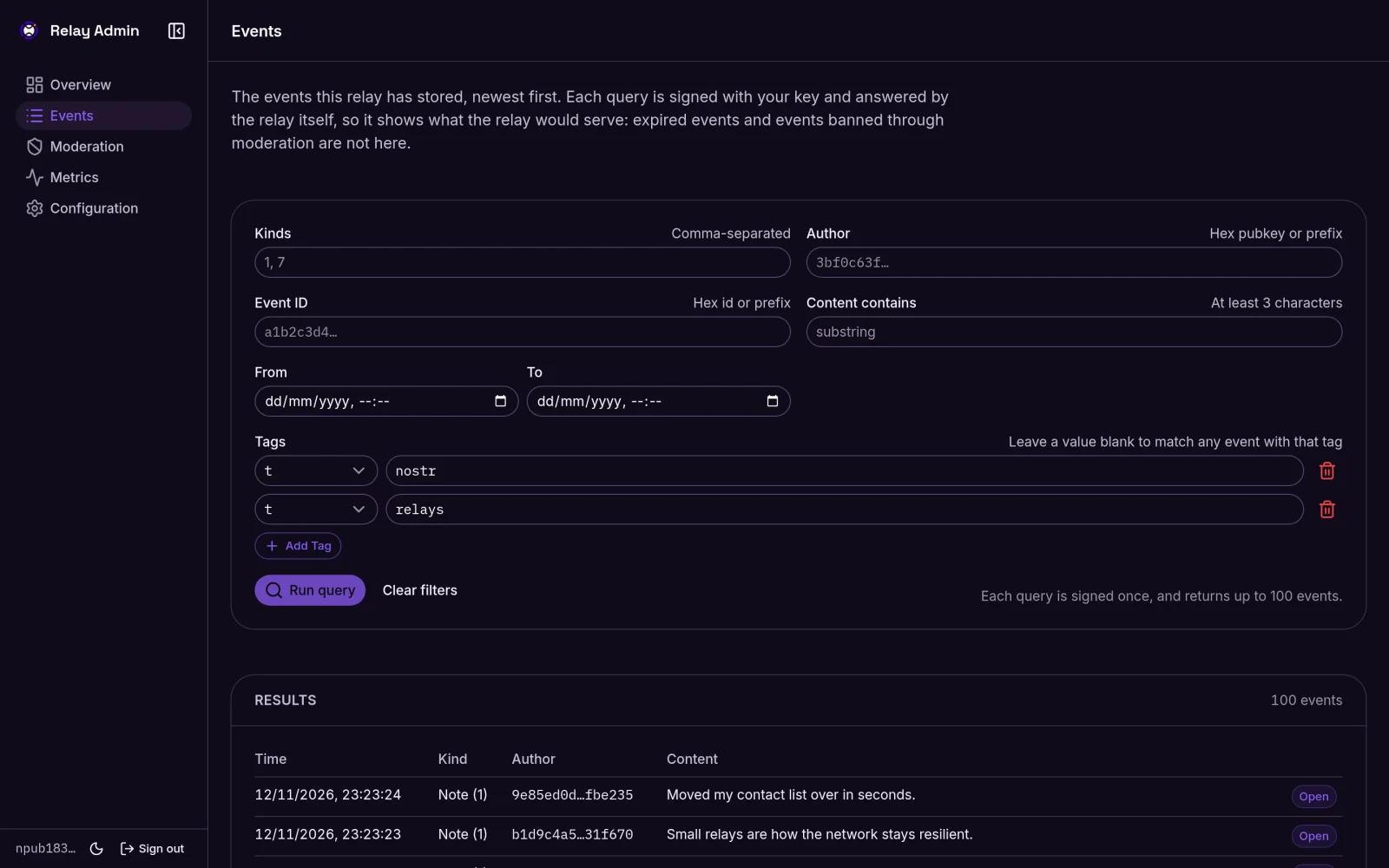
The Events page of the admin dashboard,
at /admin/dashboard/events, lets you look through the events the relay has
stored. You fill in a filter, run the query, and open any result to see the
full event, with its signature checked in your browser.
This page describes relay 0.2.0 and later.
The filters
Every field is optional. Leave everything blank to see the newest events.
| Field | What to enter | Matches |
|---|---|---|
| Kinds | Kind numbers separated by commas, for example 1, 7 | Events of any of those kinds |
| Author | A hex pubkey, or at least its first four characters | Events signed by that key |
| Event ID | A hex event ID, or at least its first four characters | That event |
| Content contains | At least 3 characters | Events whose content contains the text, ignoring case |
| From / To | A date and time, in your browser's timezone | Events created in that range, inclusive |
| Tags | One or more tag rows (see below) | Events carrying those tags |
Author and event ID take hex only, not npub or note strings.
Tag rows
Each tag row has a tag name, picked from the supported tags, and an optional value.
- Add Tag adds another row.
- The trash button removes a row.
- Clear filters empties every field and leaves one empty tag row.
A row with no tag name is ignored. A value with no tag name is an error, and the page asks you to choose a tag.
How rows combine
- Different tag names must all match. A
trow and aclientrow find events that have both. - Rows with the same tag name are alternatives. Two
trows find events with either hashtag. This is how NIP-01 filters treat several values for one tag. - A value is compared with the tag's first value, exactly, including case.
For
["t", "nostr"]that isnostr. - Tags combine with the other fields the same way. Kinds
1and atrow find kind 1 events with that hashtag.
Leaving the value blank
A row with a blank value matches every event that carries the tag, whatever
its value. This is the only way to find tags that have no value, such as the
NIP-70 - tag on protected events.
If one row for a tag name is blank, other rows for the same name add nothing:
"has a t tag, or has t = nostr" is just "has a t tag".
Running a query
Nothing runs as you type. Press Run query when the filter is ready.
Each query is a call to the relay's operator API, so your signer is asked to sign it, once per query. A query returns up to 100 events, newest first. Load more fetches the next 100 and costs another signature. See why actions ask your signer.
Expired events and events banned through moderation are never returned.
Examples
| To find | Kinds | Tag rows |
|---|---|---|
| Notes published from one client | 1 | client = amethyst |
| Posts with either of two hashtags | t = nostr, and t = relays | |
| Every protected event | - with the value left blank | |
| Reactions to one event | 7 | e = the event's hex ID |
| Everything that mentions a pubkey | p = the hex pubkey |
Client names in client tags are whatever the client writes, so check the
exact spelling on one of its events first.
Supported tags
The relay lets you filter by these tags. It refuses any other name, so the tag picker offers only these.
| Tag | Description | Defined in |
|---|---|---|
a | References an addressable or replaceable event | NIP-01 |
alt | Human-readable summary for custom event kinds | NIP-31 |
d | Unique identifier for addressable events | NIP-01 |
e | References another event | NIP-01 |
g | Geographic location as a geohash | NIP-52 |
h | Group in the relay-based groups system | NIP-29 |
i | External identities and content identifiers | NIP-39, NIP-35, NIP-73 |
p | References a user's public key | NIP-01 |
q | References an event in a quote repost | NIP-18 |
rank | Ranking score (0-100) for trusted assertions | NIP-85 |
r | References a URL or relay address | NIP-24, NIP-65 |
t | Hashtag | NIP-24 |
- | Protected event, publishable only by its author | NIP-70 |
client | Client application that published the event | NIP-89 |
emoji | Custom emoji used in the content | NIP-30 |
imeta | Metadata about media URLs in the content | NIP-92 |
proxy | Source of the event on another protocol | NIP-48 |
zap | Recipients of Lightning payments (zaps) | NIP-57 |
Limits
- Older events can't match multi-letter tags. Events stored before the
relay kept every event's full tags (schema version 3) were saved with
single-letter tags only, so a
client,alt, or other multi-letter row never finds them. See tag fidelity. - Multi-letter tag filters are an operator feature. Public
REQsubscriptions from Nostr clients still filter stored events by single-letter tags only, as NIP-01 defines. Only the dashboard and the operator events API can filter by tags such asclientor-.
The API behind it
The Events page is a client of the relay's operator events API,
POST /api/events/query, which you can also call yourself with a NIP-98
signature. Its request fields and responses are documented in the relay's
README.
Previous
Development operationNext
Moderation